Docket For Schools Guides

What Is Docket For Schools?

Docket For Schools is an Immunization Information System (IIS) integrated web app for school nurses, administrators, registrars, superintendents, and public health stakeholders. It calculates each student's compliance with grade entry requirements, handles paper-record overrides and exemptions, and automates required state and federal reporting, saving school staff time and giving public health departments real-time, statewide visibility into student immunization data.

The Basics

Steps a first-time user generally might follow to get started with some students at their school.

Log In With Sign In Link
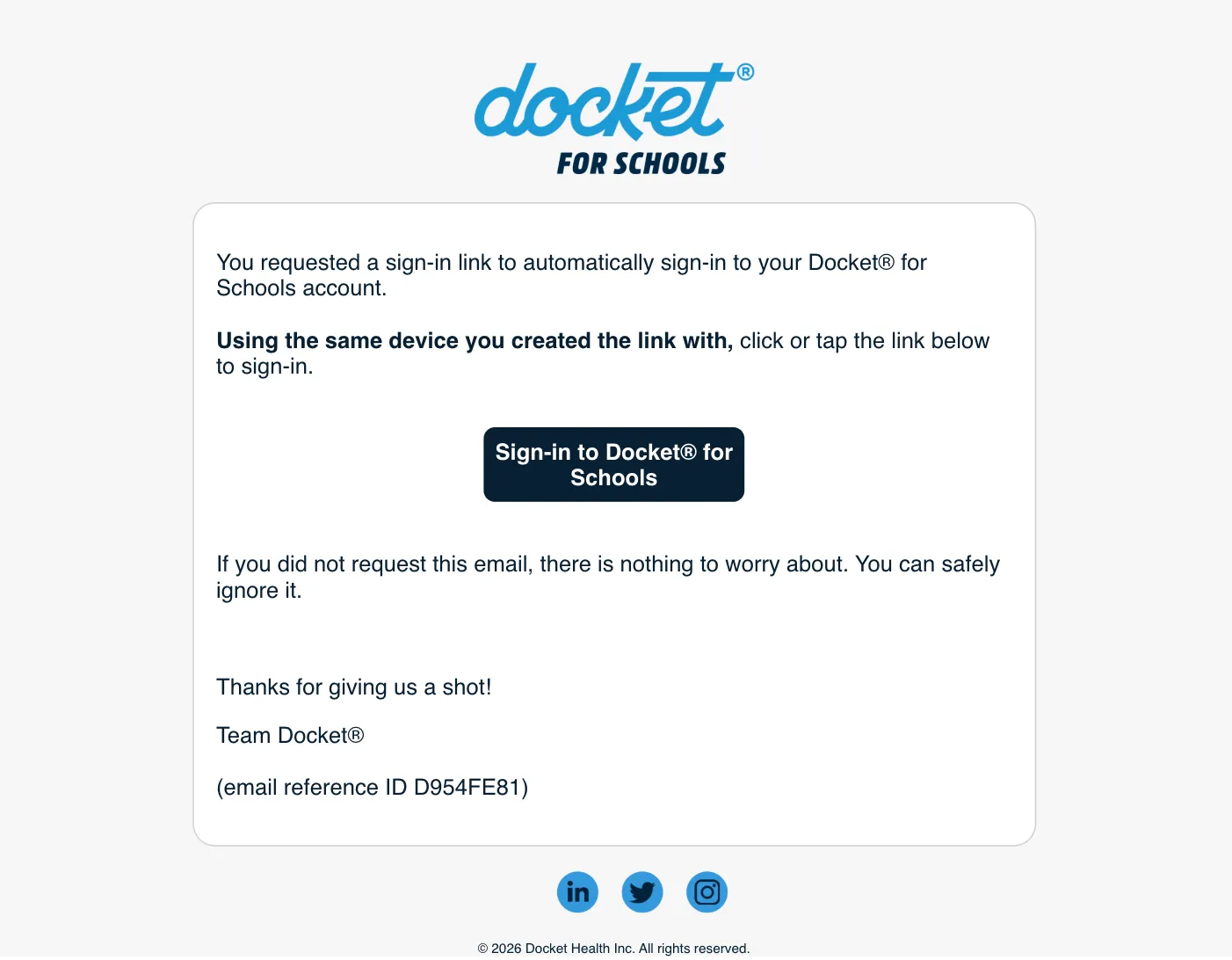
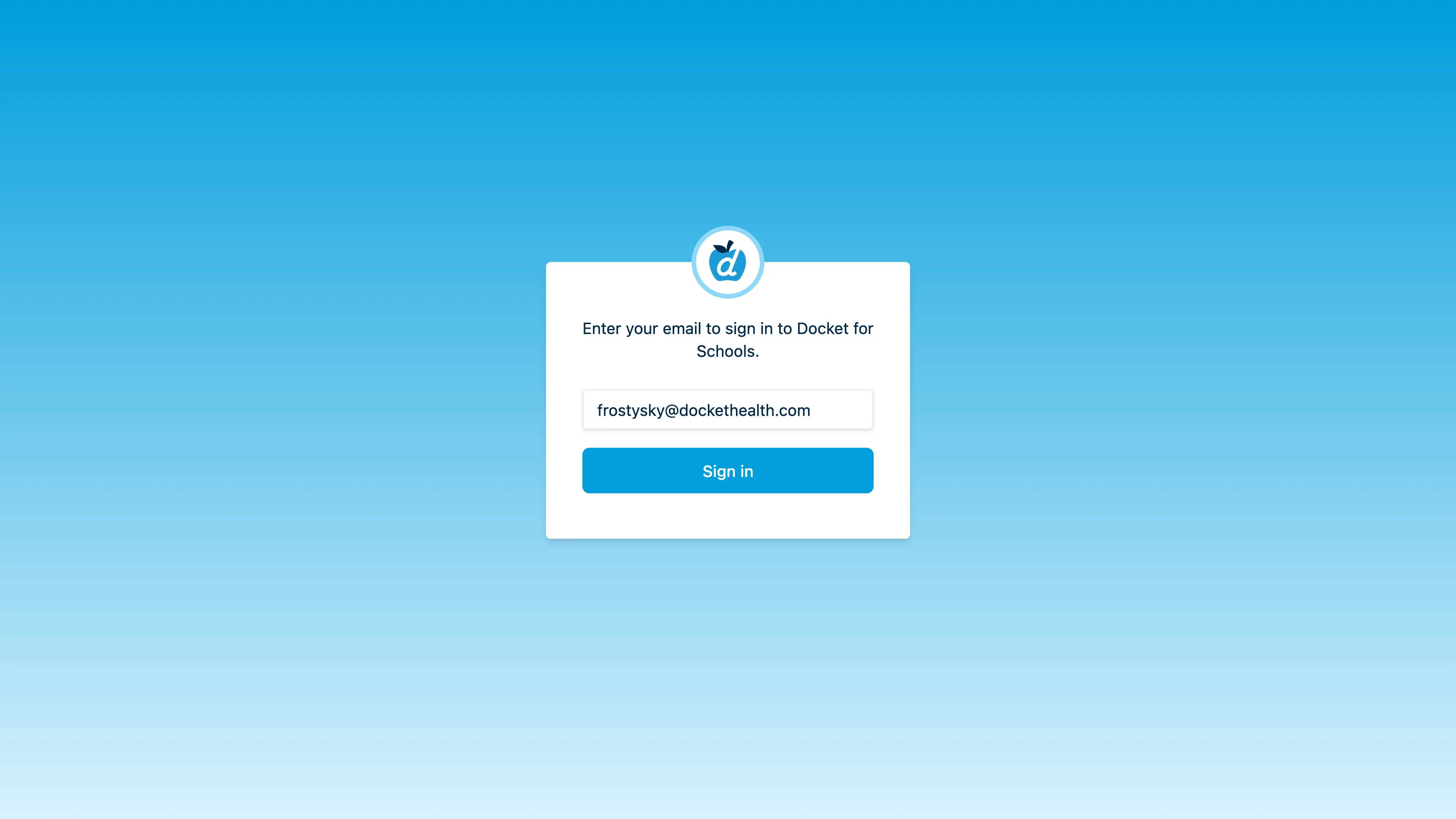
Send yourself a sign-in link via email and accept the sign-in via the link in the email body.
https://me.schools.dockethealth.com/signin
Step 1: Enter your email to receive a sign-in link
https://me.schools.dockethealth.com/signin
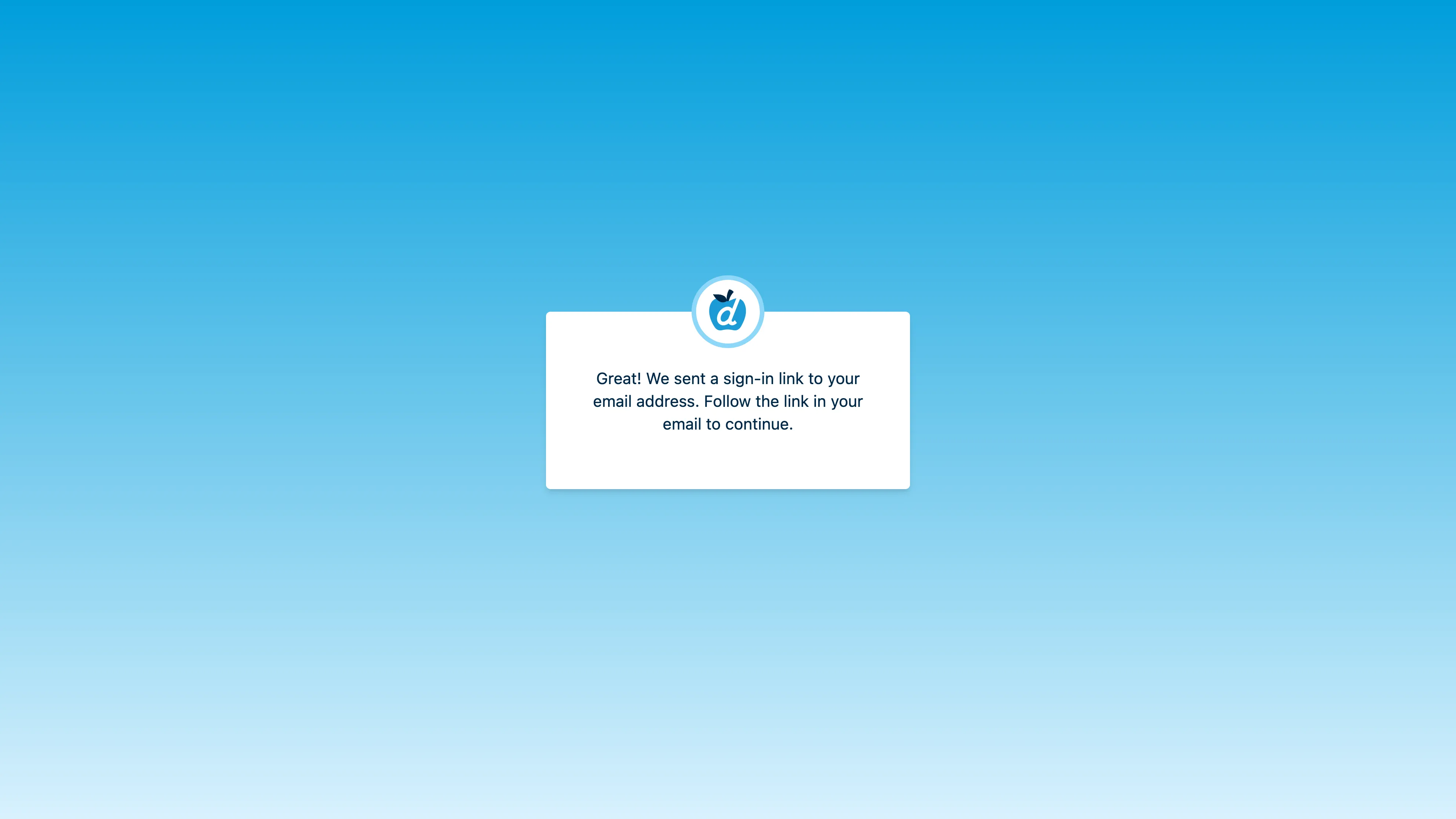
Step 2: Check your email for the sign-in link
https://your-email-provider.edu
Step 3: Click the link to complete sign-in
Update a Roster via File Sync
Use the file sync process to download the existing roster and make changes to it that add one student, delete one student, and modify one student. Please note, this video guide uses a web based file viewer to show the downloaded roster and reflect changes made to it off-screen. In practice, the downloaded roster can be edited using any spreadsheet software, such as Microsoft Excel or Google Sheets.
https://me.schools.dockethealth.com
Update a Roster via Student Editor
Use the student editor to perform bulk changes to the student roster from directly inside the app.
https://me.schools.dockethealth.com
Review Compliance Data
Review the doses the student received for an immunization series in addition to inspecting their full record.
https://me.schools.dockethealth.com
Adjust ImmPact Query to Get a Match
Override the roster information and add additional data to the query made when fetching the student's record.
https://me.schools.dockethealth.com

Following Up on Students

Tools for addressing non-compliant students at your school: exemptions, overrides, and grace periods.

Student Exemptions - Add Without Evidence
Add an exemption to a single student via the student sheet.
https://me.schools.dockethealth.com
Student Exemptions - Add With Evidence
Add an exemption to a single student via the student sheet and attach an uploaded document as evidence.
https://me.schools.dockethealth.com
Student Exemptions - Add in Bulk
Add exemptions to multiple students in a single action, attaching evidence to one student's exemption, but not others.
https://me.schools.dockethealth.com
Student Overrides (e.g. physical immunization record) - Add Without Evidence
Add an override to a single student via the student sheet.
https://me.schools.dockethealth.com
Student Overrides (e.g. physical immunization record) - Add With Evidence
Add an override to a single student via the student sheet and attach an uploaded document as evidence.
https://me.schools.dockethealth.com
Student Overrides (e.g. physical immunization record) - Add in Bulk
Add overrides to multiple students in a single action, attaching evidence to one student's override, but not others.
https://me.schools.dockethealth.com
Add a Grace Period
Add a grace period to a student with a custom begins-at date.
https://me.schools.dockethealth.com

Transferring Students

Docket for Schools supports transferring students between schools in order to retain any records attached to the student (e.g. exemptions, overrides, documents).

Initiate an Outgoing Transfer
When transferring a student out of your school, initiate an outgoing transfer(s).
https://me.schools.dockethealth.com
Revoke an Outgoing Transfer
In order to abort the transfer of a student out of your school, revoke an outgoing transfer(s).
https://me.schools.dockethealth.com
Accept an Incoming Transfer
When transferring a student into your school, accept an incoming transfer(s).
https://me.schools.dockethealth.com
Reject an Incoming Transfer
When choosing to reject a student transferring into your school, reject an incoming transfer(s).
https://me.schools.dockethealth.com
Move Students Between Schools (Legacy)
Legacy approach. Students can be moved directly between schools that you have access to. These students retain any exemptions, overrides, documents, or enrollment conditions you have attached to the student.
https://me.schools.dockethealth.com

Going Beyond

Additional tools for managing your school in Docket For Schools.

Year End Grade Promotion
Quickly generate and apply a series of changes to the roster commonly performed near the end of a school year or the start the next. Each component of the plan can be toggled off.
https://me.schools.dockethealth.com
Add a Single Student with the Student Editor
Use the Student Editor in the app to add a single student without performing the file sync process.
https://me.schools.dockethealth.com
Preview Upcoming Grade's Requirements
You can preview each student's compliance with their upcoming grade's entry requirements without needing to update the student's roster information.
https://me.schools.dockethealth.com
View Outbreak Risk Report
You can review the outbreak risk for a specific disease for all students in a school.
https://me.schools.dockethealth.com
Grant Access to Public Health Employees
Allow ImmPact administrators to view the individual students and their records at your school for a limited amount of time to assist with troubleshooting.
https://me.schools.dockethealth.com
Invite Staff to a School
Invite another user to access your school. Depending on your level of access, some roles might be unavailable when sending invitations. Only users with an email belonging to an allowlisted domain for your school can be invited.
https://me.schools.dockethealth.com
Mark a Student as Pending Enrollment
Mark students as "Pending" enrollment to review their compliance status while excluding them from any compliance reporting. Please note this video marks the student pending via the student editor tool, but this is also possible in bulk via the File Sync approach (see the update roster guide).
https://me.schools.dockethealth.com
Moving Students Up a Grade (via File Sync)
If you prefer to do this directly in the app, please refer to the student editor guide. In order to move students up a grade in bulk, refer to the update roster guide. The videos below show how to quickly increment the grade start date by 1 year and move up the grade of every student in the roster by one using both Google Sheets and Excel to edit the roster.
Using Google Sheets
https://me.schools.dockethealth.com
Using Excel
https://me.schools.dockethealth.com

© 2024 Docket Health, Inc. All rights reserved.

FAQs Guides Schools Guides Company Store Terms of Use Privacy Policy Security